
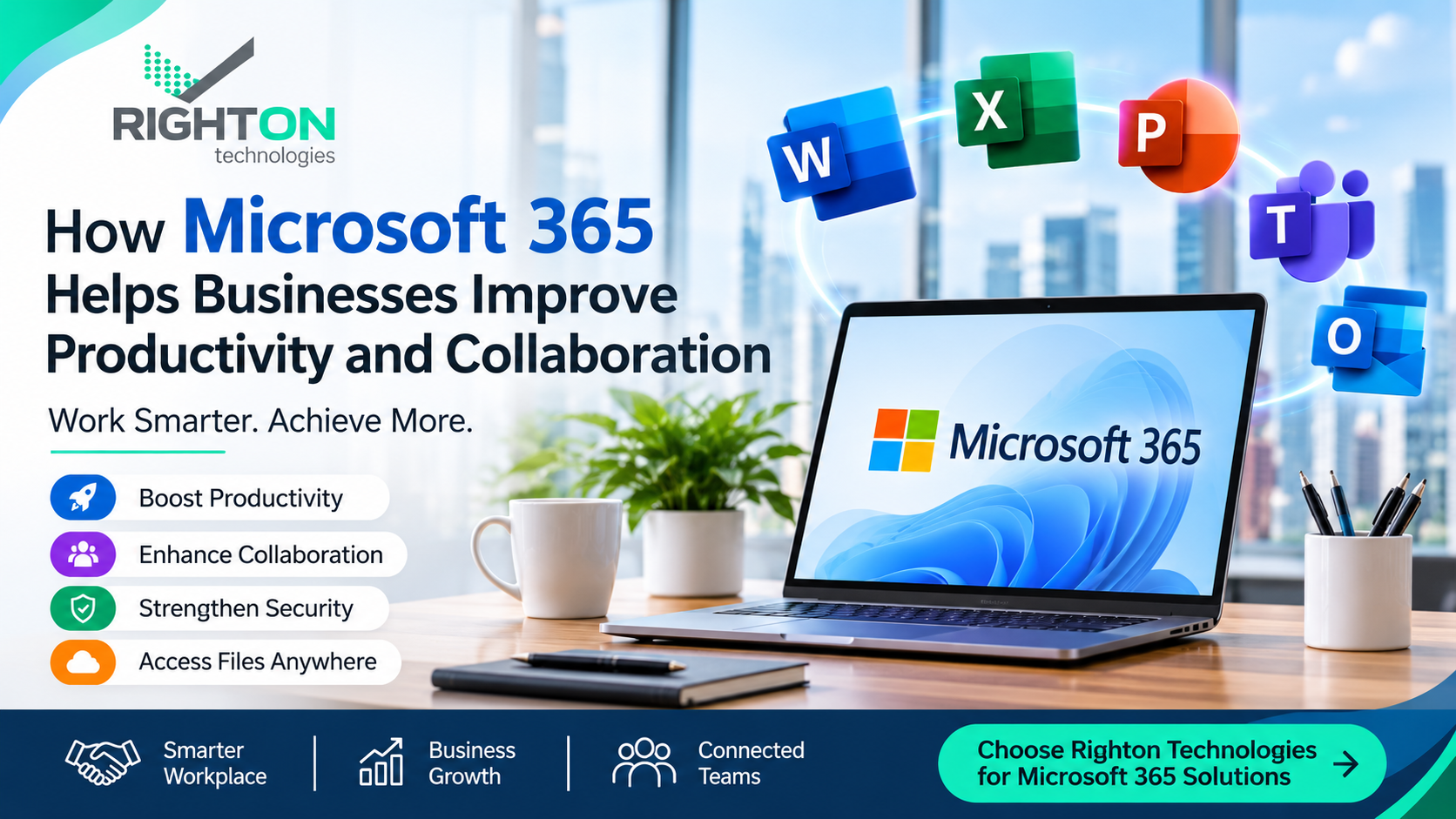
How Microsoft 365 Helps Businesses Improve Productivity and Collaboration
Running a business involves managing emails, documents, meetings, customer communication, and teamwork. When employees use different tools for these activities, everyday tasks can become difficult to manage.
Microsoft 365 for Businesses provides a connected set of productivity applications that helps organisations handle these tasks more efficiently. With tools such as Word, Excel, PowerPoint, Outlook, and Microsoft Teams, employees can create documents, communicate with colleagues, share files, and collaborate from different locations.
For businesses looking to improve their digital workplace, Microsoft 365 offers practical tools for managing daily operations.
What Is Microsoft 365 and How Does It Work?
Microsoft 365 is a subscription-based productivity platform that combines office applications, cloud services, and collaboration tools.
It allows users to create and edit documents, organise business emails, store files, schedule meetings, and work with colleagues. Depending on the selected subscription, businesses can access different applications and features to support their operations.
Whether you manage a small team or a growing organisation, Microsoft 365 provides tools that can support everyday business requirements.
7 Ways Microsoft 365 Can Improve Business Productivity
1. Complete Everyday Tasks with Microsoft Office Applications
Microsoft 365 provides access to familiar applications such as Word, Excel, and PowerPoint through supported subscription plans.
Employees can use these applications to prepare reports, maintain spreadsheets, create presentations, and manage business documents. Having these tools available in one platform makes it easier for teams to handle their regular office responsibilities.
2. Access Business Files from Different Locations
Working arrangements are changing, and employees may need to access important files outside the office.
Microsoft 365 offers cloud-based services that allow users to store, access, and share files from compatible devices. This supports employees who work remotely, travel frequently, or operate from different office locations.
With the appropriate permissions, team members can access the information they need without relying on a single computer.
3. Manage Professional Business Emails with Outlook
Email remains an important communication channel for businesses. Microsoft Outlook helps employees manage their messages, contacts, calendars, and appointments.
With suitable Microsoft 365 business subscriptions, organisations can also use professional email addresses connected to their own domain name.
This helps businesses maintain organised communication with customers, suppliers, and employees.
4. Make Document Sharing and Collaboration Easier
Preparing and reviewing documents often involves several employees. Microsoft 365 supports collaboration by allowing authorised users to share and work on supported files.
Using applications such as Word, Excel, and PowerPoint, team members can collaborate on documents, review changes, and keep their work organised.
This can reduce the need to exchange multiple document versions through email.
5. Connect Teams Through Microsoft Teams
Clear communication helps employees coordinate tasks and complete projects. Microsoft Teams provides a central platform for workplace conversations, online meetings, and file sharing.
Businesses can use Teams to organise discussions, conduct virtual meetings, and communicate with colleagues across departments.
It is particularly useful for organisations with remote employees or teams working from multiple locations.
6. Protect Business Information with Available Security Features
Business documents, emails, and customer information need appropriate protection.
Microsoft 365 provides various security and administration features depending on the subscription. These may include access management, identity protection, and tools to help safeguard business information.
Businesses should configure these features according to their security requirements and regularly review user access.
7. Work Across Multiple Compatible Devices
Employees do not always work from the same location or device. Microsoft 365 supports access through compatible desktops, laptops, tablets, and smartphones.
This allows users to continue working with supported applications and services while moving between the office, home, or other work locations.
Device compatibility and available features depend on the subscription and application being used.
Popular Microsoft 365 Applications for Business Use
Microsoft 365 includes several applications designed to support different workplace activities.
- Microsoft Word: Prepare business letters, reports, proposals, and other documents.
- Microsoft Excel: Create spreadsheets, organise business information, and analyse data.
- Microsoft PowerPoint: Design presentations for meetings, training sessions, and client discussions.
- Microsoft Outlook: Manage emails, contacts, calendars, and appointments.
- Microsoft Teams: Communicate with colleagues, conduct online meetings, and collaborate on projects.
- OneDrive: Store, access, and share files using cloud storage.
- SharePoint: Organise business documents and support internal content sharing.
The availability of these applications and services depends on the Microsoft 365 plan selected.
Is Microsoft 365 a Good Choice for Small and Medium Businesses?
Small and medium-sized businesses need practical solutions to manage their operations without making everyday work unnecessarily complicated.
Microsoft 365 offers tools that can help these organisations organise their workflows and improve communication between employees.
Here are some ways businesses can benefit:
- Better communication: Manage business emails and team discussions through connected tools.
- Simplified document management: Create, edit, and share important business files.
- Flexible working: Access supported applications and files from different locations.
- Team collaboration: Work together on documents and coordinate projects.
- Organised operations: Use calendars, meetings, and productivity applications to manage daily activities.
- Business information protection: Apply suitable security and access settings based on organisational needs.
Before choosing a subscription, businesses should review their number of users, storage requirements, email needs, and the applications they expect to use.
Why Choose Righton Technologies for Microsoft 365 Solutions?
Implementing the right productivity tools can help businesses manage their daily activities more effectively. However, selecting a suitable subscription and configuring the required services are important steps.
Righton Technologies helps businesses explore technology solutions that support workplace productivity, communication, and collaboration.
If your organisation is planning to adopt Microsoft 365, Righton Technologies can help you discuss your requirements and identify a suitable solution.
Whether you need professional business email, cloud-based file access, document collaboration, or tools for connecting employees, the right Microsoft 365 setup can support your business needs.
Get Started with Microsoft 365 for Your Business
Managing business communication, documents, and teamwork becomes easier when employees have access to the right productivity tools.
Microsoft 365 brings essential applications and collaboration services together, helping businesses organise their work and support flexible working arrangements.
Looking to improve productivity and communication in your organisation? Contact Righton Technologies to explore Microsoft 365 solutions that match your business requirements.
Contact Righton Technologies
- Website: https://www.righton-tech.com
- Phone: +971 4 220 7065
- Email: hello@righton-tech.com
Frequently Asked Questions About Microsoft 365
1. What are the main uses of Microsoft 365 for businesses?
Microsoft 365 helps businesses manage emails, create documents, organise spreadsheets, prepare presentations, share files, and communicate with employees through collaboration tools.
2. Does Microsoft 365 provide Word, Excel, and PowerPoint?
Yes. Many Microsoft 365 subscription plans include Word, Excel, and PowerPoint. The applications available depend on the selected subscription.
3. Can I use Microsoft 365 on my mobile phone?
Yes. Supported Microsoft 365 applications can be accessed through compatible smartphones and tablets, depending on the application and subscription.
4. Is Microsoft 365 suitable for small businesses?
Yes. Microsoft offers different subscription options for businesses of different sizes. Small businesses can select a plan based on their email, storage, application, and collaboration requirements.
5. Can Microsoft 365 help employees work remotely?
Yes. Its cloud-based services and collaboration applications allow employees to access supported files, communicate, and work with colleagues from different locations.